
 EN
EN ES
ES FR
FR DE
DE IT
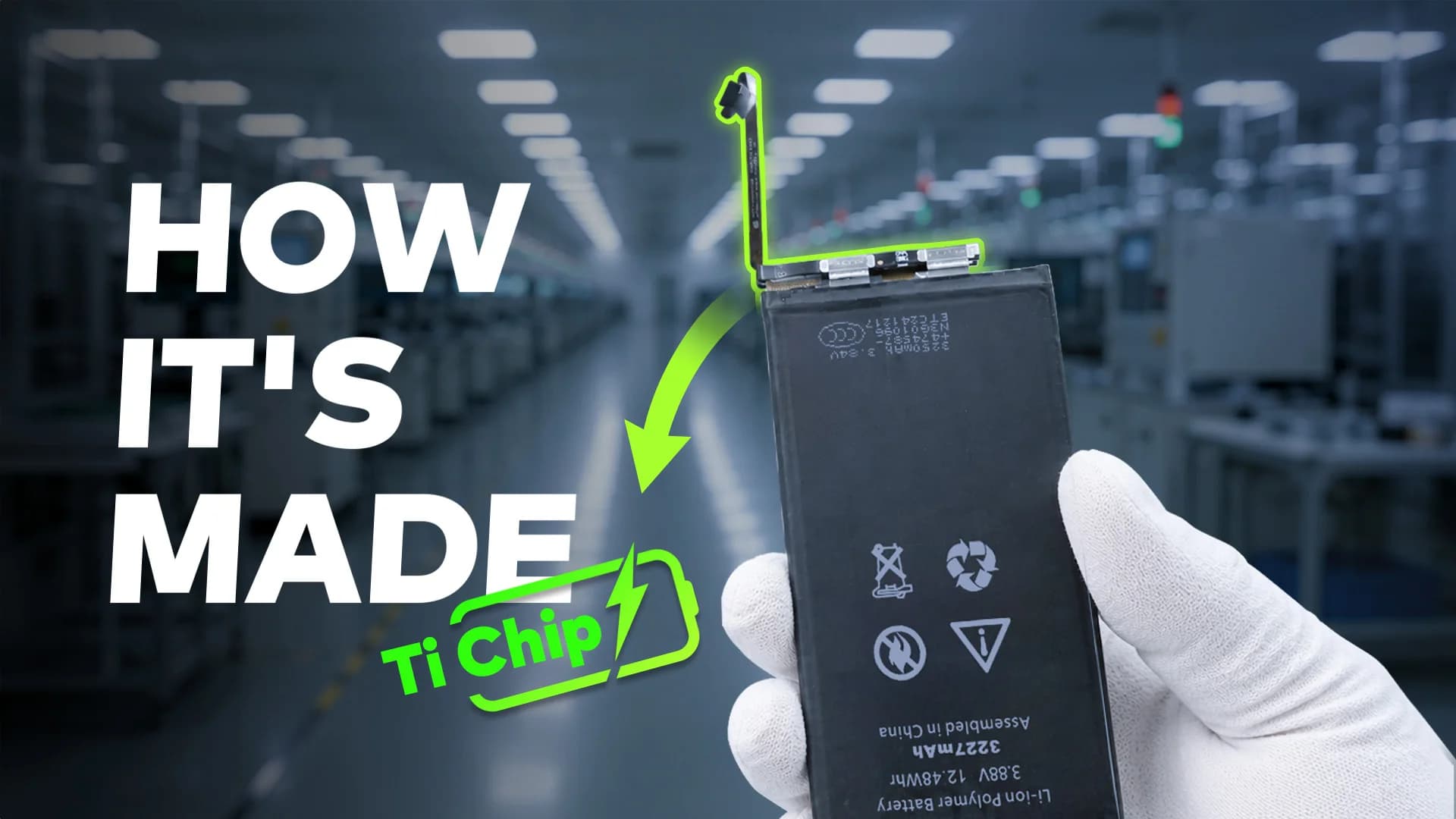
ITiPhone 12 Pro battery replacement is more than a simple cell swap. This model uses an encrypted battery protection board, so aftermarket installs usually need a BMS transfer, data rewrite, and a tag-on flex. Genuine Apple batteries follow a different path with Apple Service Toolkit 2 (AST2).
This guide walks through when to replace, what it typically costs, the shop method vs Apple parts, and how to clear the “Unable to verify this iPhone has a genuine Apple battery” alert. It is written for repair shops and advanced DIY techs who already work with heat, adhesive, and small connectors.
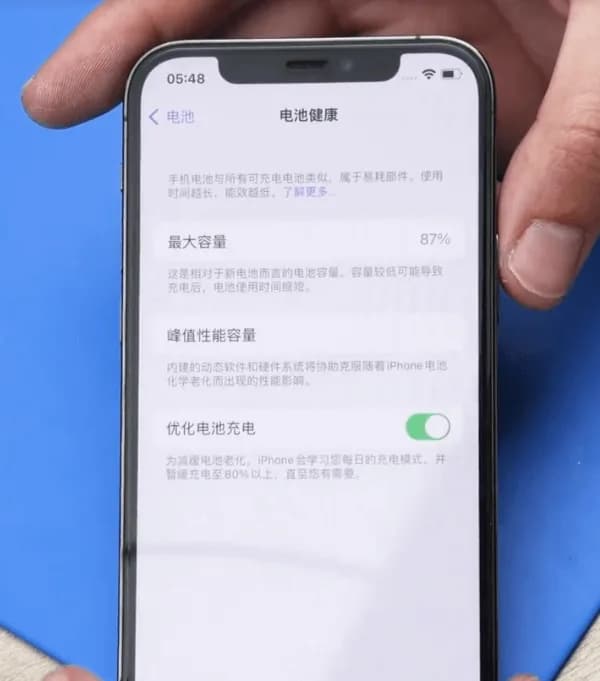
Example device: iPhone 12 Pro
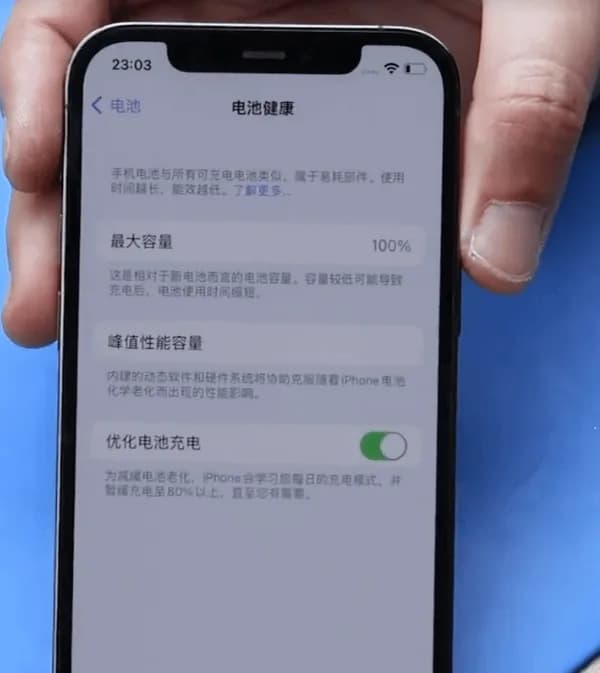
Battery Health: 87% (Settings → Battery → Battery Health → Maximum Capacity)
When to replace an iPhone 12 Pro battery
Apple designs iPhone batteries (14 and earlier, including the 12 Pro) to retain about 80% capacity at 500 complete charge cycles under ideal conditions. Many techs still quote a swap near or below 80%, or when Battery Health shows a Service recommendation. Customers sometimes request a replacement earlier (for example at 85-90%) to restore full-day runtime. That is a preference call, not a hard Apple rule.
In the example above, health sits at 87%. A replacement can still make sense if the customer wants better runtime, or if the phone shows unexpected shutdowns, heat while charging, or peak performance messages.
Cost and battery specs (quick reference)
Prices vary by country, tax, and part grade. Use these U.S.-oriented figures as a planning baseline, then confirm local quotes:
- Apple / AppleCare+ service: about $89 out of warranty for iPhone 12 / 12 Pro battery service (AppleCare+ is often no extra charge when capacity is below 80%). Always re-check Apple’s current estimate tool.
- Independent shop: often about $50-$100+ depending on city, warranty, and whether the shop transfers the BMS or uses AST2.
- DIY / wholesale cell: kits often land around $40-$60 retail; shop wholesale cells can undercut that.
Capacity reference (teardown consensus, not an Apple datasheet line): about 2,815 mAh (~10.78 Wh at 3.83 V). Common part marking refs include A2479 (also seen as styles like 11CP5/45/85 on replacement listings). iPhone 12 and 12 Pro share the same capacity class; 12 Pro Max does not.
How to replace an iPhone 12 Pro battery
1. Battery protection board encryption (aftermarket path)
The iPhone 12 Pro uses an encrypted battery protection board. Dropping in a raw aftermarket cell without handling the board and data is how shops get a permanent Important Battery Message and missing health percentage.
Transfer the protection board: Carefully remove the old pack, separate the original BMS / protection board, and spot-weld that board onto the new cell tabs with a proper fixture. Use a welding machine (or equivalent laser / resistance welder). Align anode and cathode correctly, then insulate with the correct tape and bracket.
2. Rewrite battery data
Models before 2018: A battery programmer rewrite was often enough.
XS and later (including iPhone 12 Pro): After board transfer and data rewrite with a programmer, attach a tag-on flex when you change cell data so authentication does not leave a permanent alert.
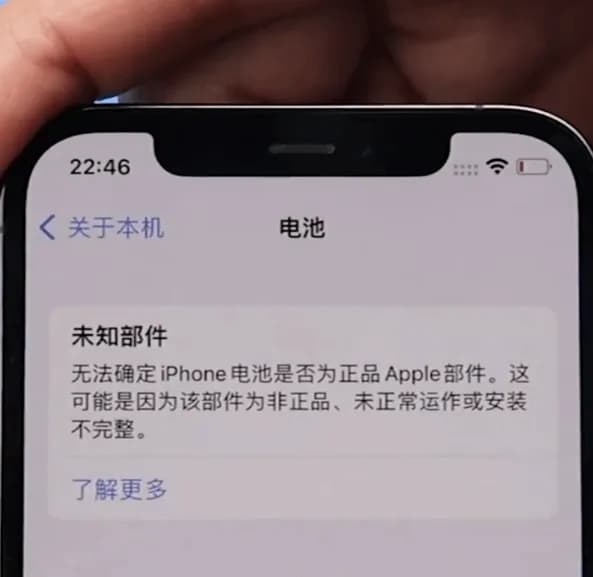
Note: Skip these steps and you will usually see “Unable to verify this iPhone has a genuine Apple battery” after power-on.
3. Official Apple battery + AST2
For genuine Apple parts, keep the phone on Wi-Fi and use Apple Service Toolkit 2 (AST2):
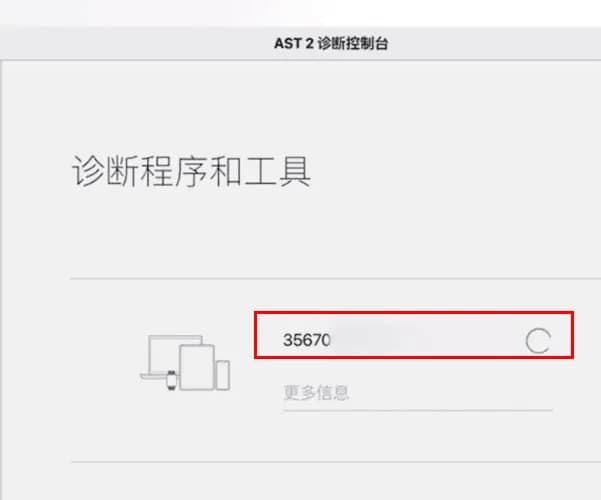
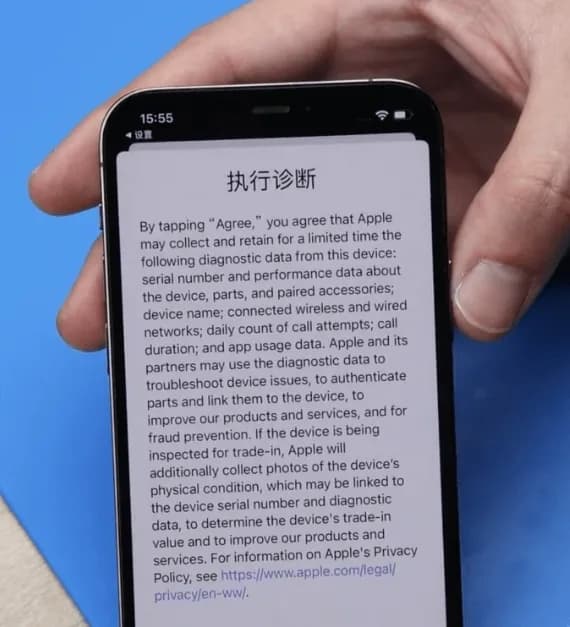
Apple Service Toolkit 2 (AST2):
- Log in to AST2.
- Enter the battery serial number and run diagnostics on the phone.
- After diagnostics clear, proceed with the battery install.
4. Remove the old battery
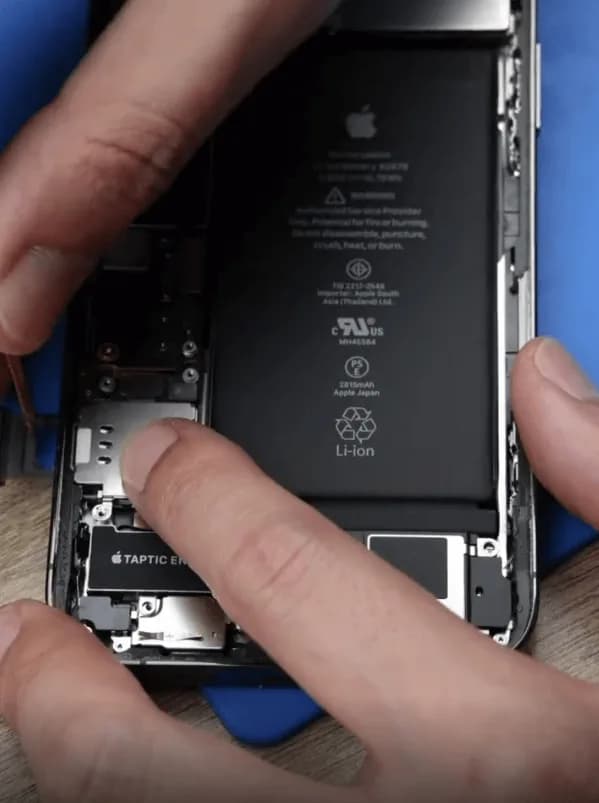
- Open the display safely; do not crease flexes.
- Disconnect the battery connector, then remove the original pack with adhesive pull tabs or isopropyl. Never lever hard under a swollen cell.
- Apply new waterproof frame adhesive. It restores a seal; it does not magically restore factory IP68 rating.
5. Install the new battery
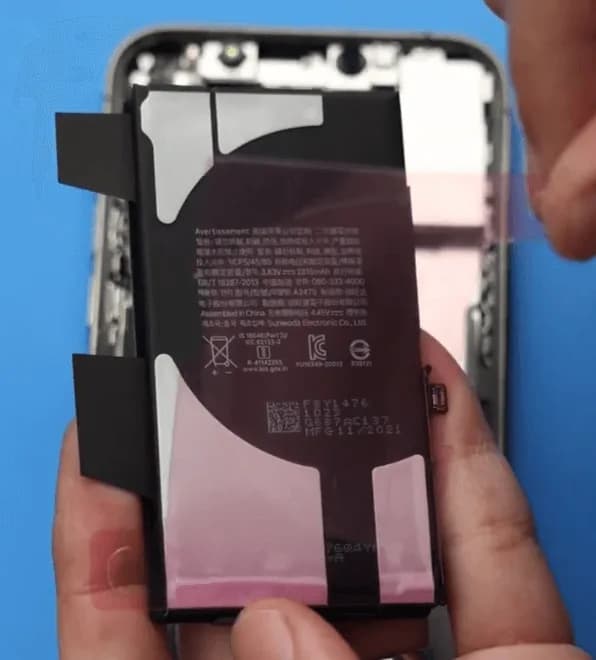
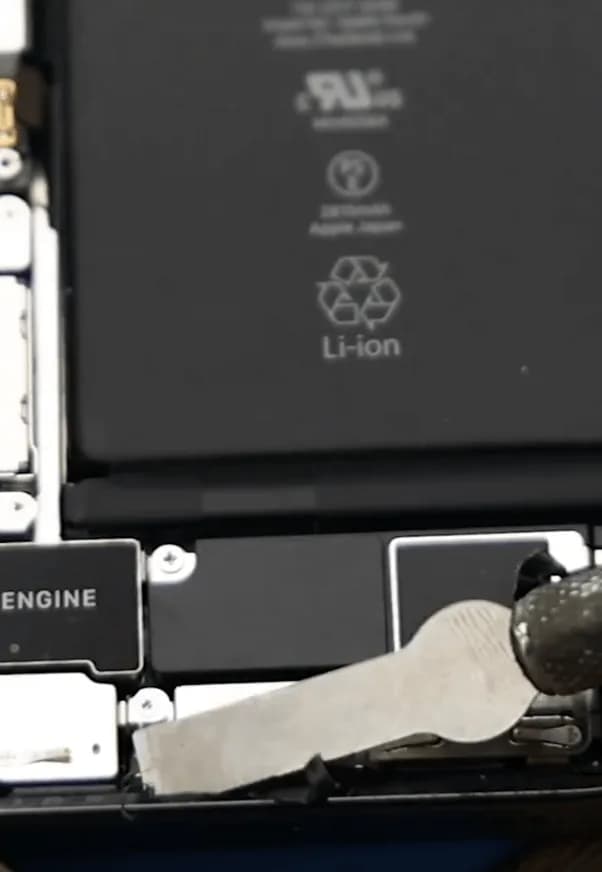
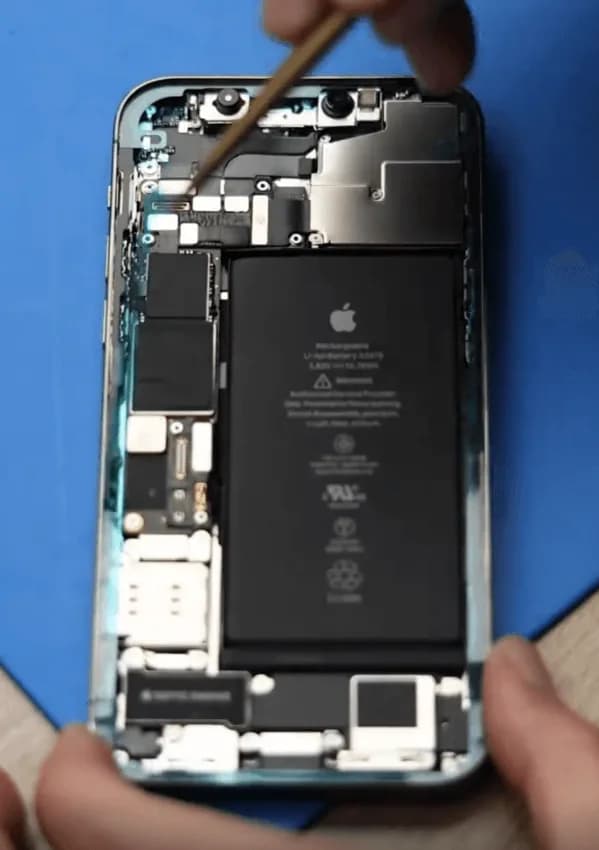
- Seat the new iPhone 12 Pro battery (or your shop cell with transferred BMS).
- Reconnect the battery connector, reassemble the display, and power on.
- Verify charge, Battery Health visibility, and that the phone boots cleanly under load.
6. Clear the genuine battery alert
- Initial alert: On first power-up you may see “Unable to verify this iPhone has a genuine Apple battery.”
- Genuine Apple path: Log back into AST2 and run diagnostics again to clear the non-original alert.
- Aftermarket path: Confirm BMS transfer, programmer write, and tag-on flex were done correctly. Persistent alerts usually mean a skipped auth step.
Watch how to clear Important Battery Message pop-ups on iPhone XS through 12 Pro Max:
FAQs
Frequently asked questions
Tap a question to read the answer.
Do iPhone 12 and iPhone 12 Pro use the same battery?
Teardown reporting puts them in the same capacity class (~2,815 mAh). Always match connector, tab layout, and thickness for your fixture. 12 Pro Max is a different pack.
Should I replace at 87% Battery Health?
Apple’s usual guidance centers on ~80% or a Service recommendation. At 87%, replace if runtime no longer meets the customer’s needs or if shutdowns and heat point to a weak cell.
Why does an aftermarket battery show an Important Battery Message?
The 12 Pro pairs battery authentication to the phone. Without a correct BMS transfer, data rewrite, and tag-on when required, iOS flags the pack as non-genuine.
Is AST2 required for every battery job?
No. AST2 is the genuine Apple / authorized-service path. Aftermarket shop jobs use board transfer, programmer, and tag-on instead.
Will new waterproof adhesive restore water resistance?
It restores a seal and is good practice. It does not guarantee factory IP68 performance after a open-repair.
How much does Apple charge for an iPhone 12 Pro battery?
Out-of-warranty battery service is commonly cited around $89 for iPhone 12 / 12 Pro in the U.S. Confirm Apple’s current estimate for your region before quoting.
Wrap-up
A clean iPhone 12 Pro battery replacement means picking the right path: aftermarket (BMS transfer + programmer + tag-on) or genuine Apple (AST2 diagnostics). Keep adhesives fresh, never force a swollen cell, and verify auth and health on first boot so you avoid callbacks.
Need cells, welders, or programmers for the bench? Browse REWA tools, including iPhone battery cell replacements, battery programmers, and spot welding machines.